Installing SQL Enlight
Introduction
Section titled “Introduction”SQL Enlight can be integrated with Microsoft SQL Server Management Studioand Microsoft Visual Studio.
Install SQL Enlight for the first time or update to a newer SQL Enlight version
Section titled “Install SQL Enlight for the first time or update to a newer SQL Enlight version”Start SQL Enlight setup file and follow the installation wizard:
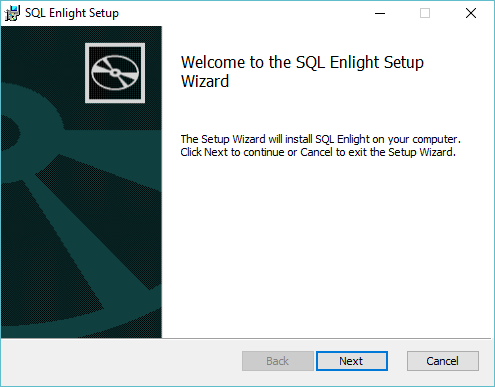
1.Start the installation.
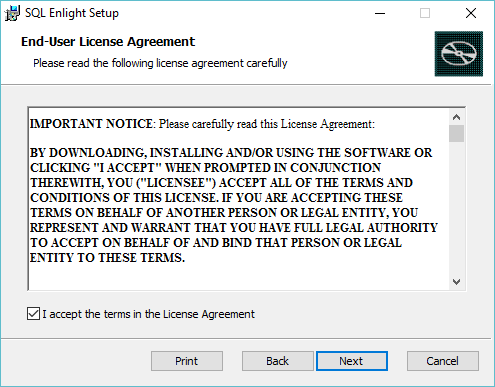
2.Read and accept the license agreement and then click Next in the bottom of the installer dialog.
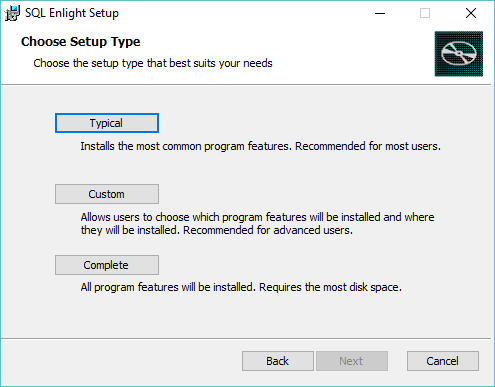
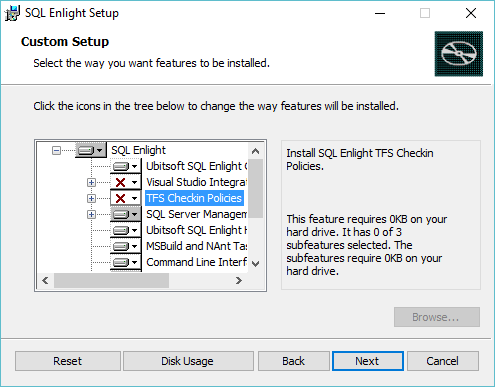
3.It is recommended to choose Custom Setuptype in order to select, which features are to be installed.
4.Select the way features to be installed.
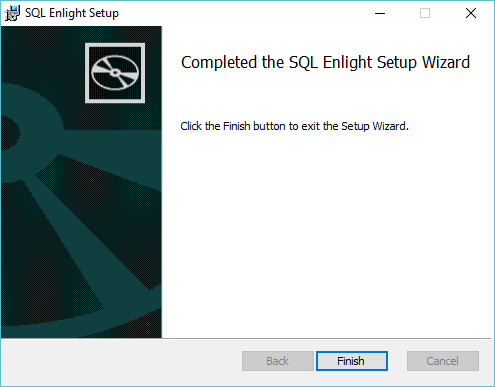
5.The installation has been completed.